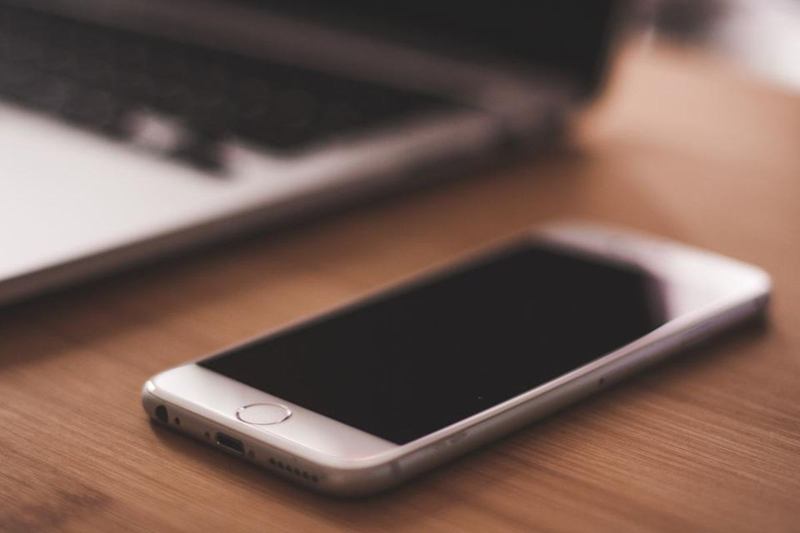
Your phone goes everywhere with you: to the kitchen, the tram, the office and, let's be honest, the bathroom. The TV remote gets passed around the sofa with crisps in hand, and the family tablet is covered in children's fingerprints. To clean your phone screen, remote and tablet safely, you need to be careful: too much liquid or the wrong product can damage coatings, speakers and charging ports.
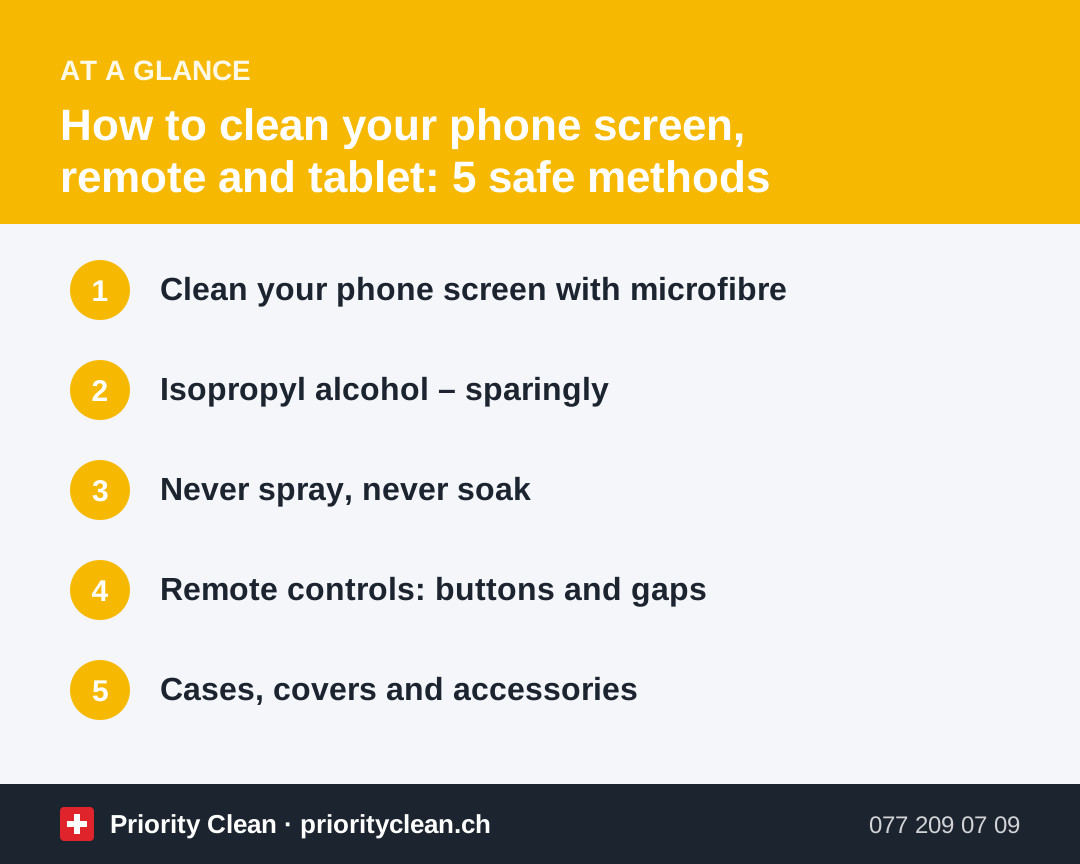
Here are five safe methods that protect both the device and the screen.
Before you start: check the manufacturer's advice
Phone, tablet and remote manufacturers often publish cleaning instructions, sometimes including which products are allowed. Screens usually have an oil-repellent (oleophobic) coating that wears off faster with harsh cleaners. When in doubt, the gentlest method is the right one.
Basic preparation for all devices:
- Switch the device off.
- Unplug chargers, headphones and cables.
- Remove the case or cover.
- For remotes: take out the batteries.
1. Clean your phone screen with microfibre
For daily fingerprints, you usually don't need any liquid at all.
- Use a clean, soft, lint-free microfibre cloth – a glasses cloth works well.
- Wipe the screen gently from top to bottom in straight lines.
- For stubborn marks, lightly dampen a corner of the cloth with water, wring it out well and wipe again.
- Polish dry with the dry part of the cloth.
Avoid kitchen paper, tissues and clothing – they can leave fibres and fine scratches.
2. Isopropyl alcohol – sparingly
Many manufacturers allow wipes with around 70 % isopropyl alcohol for the hard, non-porous surfaces of phones and tablets. Used sparingly, they remove grease and are suitable for occasional hygienic cleaning.
- Check your device's instructions first.
- Use a pre-moistened wipe or lightly dampen a microfibre cloth – it should not drip.
- Wipe the screen, back and sides gently.
- Avoid openings: charging port, speakers, microphones and buttons.
- Let it dry completely before switching the device back on.
Don't use it daily – frequent use can wear down the screen's coating faster.
3. Never spray, never soak
Even water-resistant phones should not be sprayed or rinsed under the tap for cleaning.
- No sprays directly on the device: Liquid runs into gaps, speakers and ports.
- No compressed air into ports: It can push dirt deeper or damage delicate parts.
- Charging port and speaker grilles: Remove lint very gently with a soft, dry brush or a wooden toothpick – never metal.
- Camera lens: Wipe gently with a clean microfibre cloth.
Water resistance ratings refer to specific test conditions and can decline over time – they're not a licence to wash your phone.
4. Remote controls: buttons and gaps
Remotes collect crumbs, grease and dust between the buttons.
- Remove the batteries.
- Tap the remote upside down on your hand to remove crumbs.
- Clean between the buttons with a cotton bud barely dampened with water or a little isopropyl alcohol.
- Wipe the housing with a slightly damp microfibre cloth.
- Use a soft toothbrush for grooves.
- Let it dry completely before putting the batteries back.
The same method works for game controllers, computer mice and wireless keyboards – see our guide on cleaning a keyboard, mouse and screen.
5. Cases, covers and accessories
Cases often hold more dirt than the device itself.
| Case type | How to clean |
|---|---|
| Silicone or rubber | Remove, wash in warm soapy water, rinse, dry completely |
| Hard plastic | Wipe with soapy water or an alcohol wipe, dry |
| Leather | Damp cloth, then leather care; no soaking |
| Fabric | Dab with mild soapy water, dry thoroughly |
| Wallet cases | Remove cards first, wipe only |
Always make sure the case is completely dry before putting the phone back. Moisture trapped between the case and the device can cause damage.
Also wipe charging cables, earbuds cases and smartwatch straps from time to time with a slightly damp cloth.
Common mistakes when cleaning devices
- Glass cleaner or kitchen sprays: Damage the oleophobic coating.
- Spraying directly on the screen: Liquid seeps into openings.
- Metal objects in the charging port: Can damage contacts.
- Kitchen paper: Scratches and leaves fibres.
- Putting the phone back into a damp case: Traps moisture.
- Using disinfectant wipes with bleach: Can discolour and damage surfaces.
Small everyday items add up – our guide on cleaning a water bottle covers another thing we carry around daily.
Frequently asked questions
What is the safest way to clean a phone screen?
Switch the phone off and wipe the screen with a soft microfibre cloth. For stubborn marks, use a cloth lightly dampened with water. Avoid sprays, glass cleaner and kitchen paper.
Can I clean my phone screen with alcohol?
Many manufacturers allow wipes with around 70 % isopropyl alcohol on hard surfaces, used sparingly. Check your device's instructions first and keep moisture out of openings.
How do I clean a TV remote control?
Remove the batteries, tap out crumbs, clean between the buttons with a barely damp cotton bud and wipe the housing with a slightly damp cloth. Let it dry before reinserting the batteries.
How often should I clean my phone?
A quick wipe of the screen every day or two and a more thorough clean of the phone and case once a week is a practical routine.
Thanks for your feedback! Feel free to share the guide.
Thanks! What was missing? Drop us a line – we will improve the guide. WhatsApp