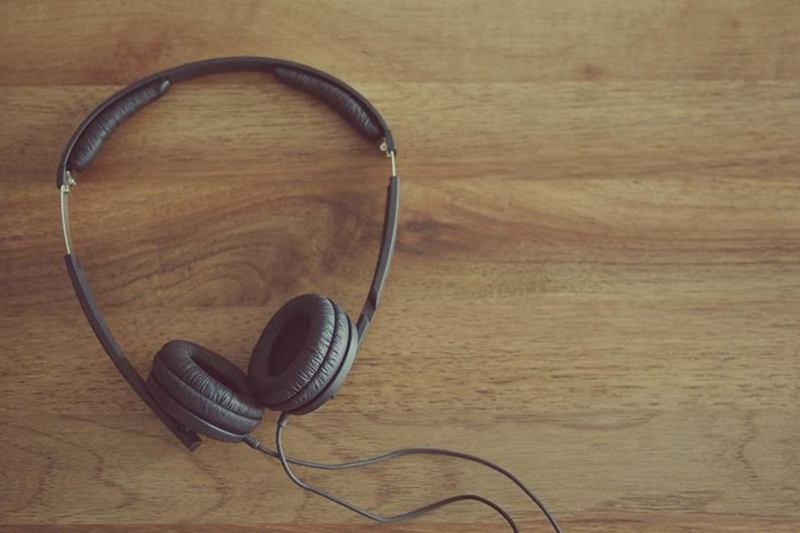
On the tram, in the home office, out jogging: headphones are in use for hours every day, right against your skin and ears. If you are wondering how to clean headphones, you need neither a special kit nor the tap – mainly a soft brush, a microfibre cloth and a little patience.
Earwax, skin oil, sweat and dust end up in the mesh, on the ear cushions and in the charging case. That is not just unappealing: clogged mesh muffles the sound, and dirty contacts interfere with charging. The five steps below apply to earbuds such as AirPods as well as to over-ear headphones and headsets.
Why you should clean headphones regularly
Your ears produce earwax all the time, and wearing headphones adds skin oil and sweat. On earbuds, all of this settles directly in the fine speaker mesh; on over-ear models, in the cushions. Over time one side sounds quieter or more muffled, silicone tips turn sticky and fluff from pockets and bags collects in the charging case.
| Part | Typical dirt | Result |
|---|---|---|
| Earbud speaker mesh | earwax, dust | quieter or muffled sound |
| Silicone ear tips | earwax, skin oil | sticky, poorer fit |
| Charging case and contacts | fluff, crumbs, dust | unreliable charging |
| Over-ear cushions | sweat, skin oil, make-up | smell, cracked faux leather |
| Headband and cable | skin oil, hair products | sticky, discoloured |
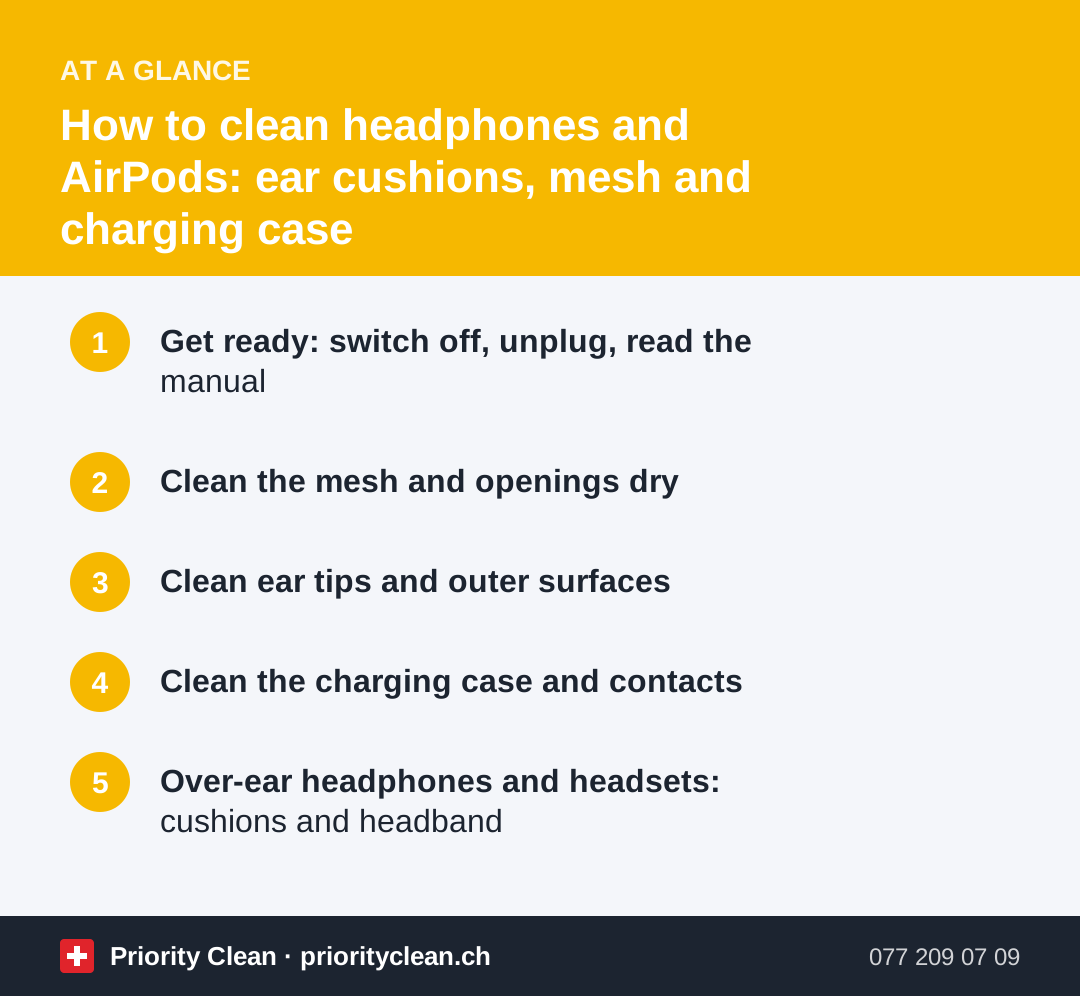
1. Get ready: switch off, unplug, read the manual
- Switch the headphones off, unplug the cable and charger, and take the earbuds out of the case.
- Read the manufacturer's cleaning instructions in the manual or on their website. They always take priority.
- Get your kit ready: a soft, dry brush (such as a clean, soft toothbrush or a small paintbrush), a microfibre cloth, cotton buds, a wooden cocktail stick, mild soapy water and, if permitted, isopropyl alcohol wipes.
Even protection against splashes or sweat is no licence to hold your headphones under the tap. Similar rules apply to phones and tablets – see how to clean your phone screen.
2. Clean the mesh and openings dry
- Hold the earbud with the mesh facing down and brush gently with the dry, soft brush so that crumbs fall out.
- Carefully loosen stuck earwax at the edge with a wooden cocktail stick – never poke it into the mesh.
- Dab a small piece of cleaning putty or sticky tape briefly onto the mesh and lift it off without pressing. If it leaves residue, stop.
- Treat microphone and vent openings the same way: dry, gentle and without pressure.
Avoid compressed air. The blast can push dirt further in and strain the delicate membranes.
3. Clean ear tips and outer surfaces
- Silicone ear tips: remove them, wash them in lukewarm water with a drop of mild soap, clean the inside with a cotton bud, rinse and let them dry completely before putting them back on.
- Foam tips: only wipe them with a damp cloth, don't soak them, and replace them when they go hard or crack.
- Housings and stems: wipe with a dry microfibre cloth; for greasy marks, dampen the cloth very slightly.
- Isopropyl alcohol: many manufacturers allow you to wipe outer surfaces gently with an isopropyl alcohol wipe. Use it sparingly, never on mesh or openings, and only if the manual says so.
- Cable: wipe with a damp cloth and a little soapy water, then dry.
4. Clean the charging case and contacts
- Wipe the outside of the case with a dry or slightly damp microfibre cloth.
- Clean the wells where the earbuds sit with a dry cotton bud or the soft brush.
- Clean the charging contacts in the wells and on the earbuds dry, with a cotton bud.
- Carefully work fluff out of the hinge and charging port with a wooden cocktail stick – never with metal, which can damage the contacts, and never with liquid.
- Only put the earbuds back and charge them once everything is completely dry.
5. Over-ear headphones and headsets: cushions and headband
- Faux leather ear cushions: wipe with a damp cloth and a drop of mild soap, wipe again with clean water and dry. Avoid alcohol, which can dry out the surface. More on caring for the material in how to clean faux leather.
- Fabric or velour cushions: remove them if possible, brush them out and clean them only as the manufacturer specifies.
- Worn cushions: on many models, cracked cushions can be replaced.
- Headband and mic boom: wipe with a damp cloth and dry.
Common mistakes
- Holding them under the tap: water gets into the mesh and electronics.
- Compressed air, needles or paper clips: they push dirt deeper or damage mesh and contacts.
- Spraying disinfectant directly: the liquid runs into the openings.
- Putting damp earbuds in the case: moisture on the charging contacts harms the electronics.
- Binning old headphones: according to the FOEN, used electrical appliances must be returned, and retailers take back the kinds of appliances they sell free of charge – even without a new purchase.
Frequently asked questions
How often should I clean my headphones?
Wipe the outer surfaces and case dry about once a week, more often with daily use or for sport. Clean the mesh and tips as soon as you see earwax or the sound becomes more muffled.
Can I clean AirPods with alcohol?
On many models, you can wipe the outer surfaces gently with an isopropyl alcohol wipe if the manufacturer allows it. Clean the mesh, speaker and microphone openings and the charging port only dry. Liquid must never get into the openings.
How do I get earwax out of the mesh?
Hold the mesh facing down and brush it gently with a dry, soft brush. Loosen stubborn residue at the edge with a wooden cocktail stick or dab it carefully with cleaning putty. Never use pressure or sharp metal objects.
Where do I dispose of old headphones?
Not in the rubbish bag. Electrical and electronic appliances must be returned. Retailers take back the kinds of appliances they sell free of charge, even if you don't buy anything new.
Thanks for your feedback! Feel free to share the guide.
Thanks! What was missing? Drop us a line – we will improve the guide. WhatsApp